Academy
Learn Skillnai in five minutes
A friendly guide to installing AI agent skills and making your first video, deck or image with Claude Code, Codex or Cursor.
Quick start
Three steps, one prompt. You do not need to code.
Pick a skill
Browse the library and choose something you want to make. Video, slides and images all work the same way.
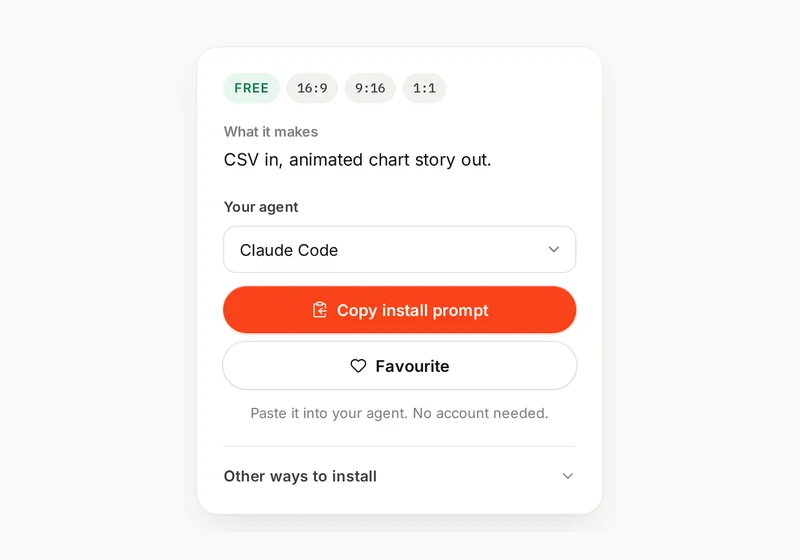
Copy the install prompt
Press Copy install prompt on the skill page. It copies one sentence for your agent.
Paste and press Enter
Open your agent chat, paste the prompt and press Enter. It reads the skill and installs it.
Where to start
Pick the part you need. Each guide takes a minute or two.
What is a skill
A skill is a folder of instructions, templates and scripts your AI coding agent reads. It teaches the agent a repeatable job, such as turning a product link into a launch video.
You describe the result in plain words. The agent does the work on your own computer, using the tools already installed there. There is no extra app to learn.
Some skills in the library are open-source community skills. Their page shows the author, the license and a link to the original repo, and they install from there.
Install your first skill
Pick the way that suits you. All three put the same files in the same folder.
Prompt
Recommended. Copy one sentence, paste it into your agent chat and press Enter. Free skills need no account.
Read https://skillnai.com/skills/data-story/install.md and install it for me, then do a short test run.
CLI
The terminal is the text window where you type commands. Use this if that sounds normal. The CLI installs the skill into the agent you name.
npx skillnai add data-story --agent claude-code
MCP
A one-time connection so your agent can find and install skills itself. Pro tools need a browser sign-in.
claude mcp add --transport http skillnai https://mcp.skillnai.com
Using with each agent
Open your agent, install the skill, then say what you want to make. The skill files go in the folder shown for each agent.
Claude Code
- How to open it
- Run claude in your project folder.
- Where skills go
-
~/.claude/skills - Tip
- Free skills need no account. Pro skills ask for browser sign-in on first install.
Cursor
- How to open it
- Open the Agent chat (⌘I / Ctrl+I).
- Where skills go
-
~/.cursor/skills - Tip
- Its MCP config lives at ~/.cursor/mcp.json if you connect the server later.
Codex
- How to open it
- Run codex in your project folder.
- Where skills go
-
~/.agents/skills - Tip
- Run npx skillnai doctor <slug> to check the skill landed in the right folder.
Gemini CLI
- How to open it
- Run gemini in your project folder.
- Where skills go
-
~/.gemini/skills - Tip
- Restart the agent after install so it reloads its skill folder.
OpenCode
- How to open it
- Run opencode in your project folder.
- Where skills go
-
~/.agents/skills - Tip
- It shares ~/.agents/skills with Codex, so one install can serve both.
Vertical video and safe zones
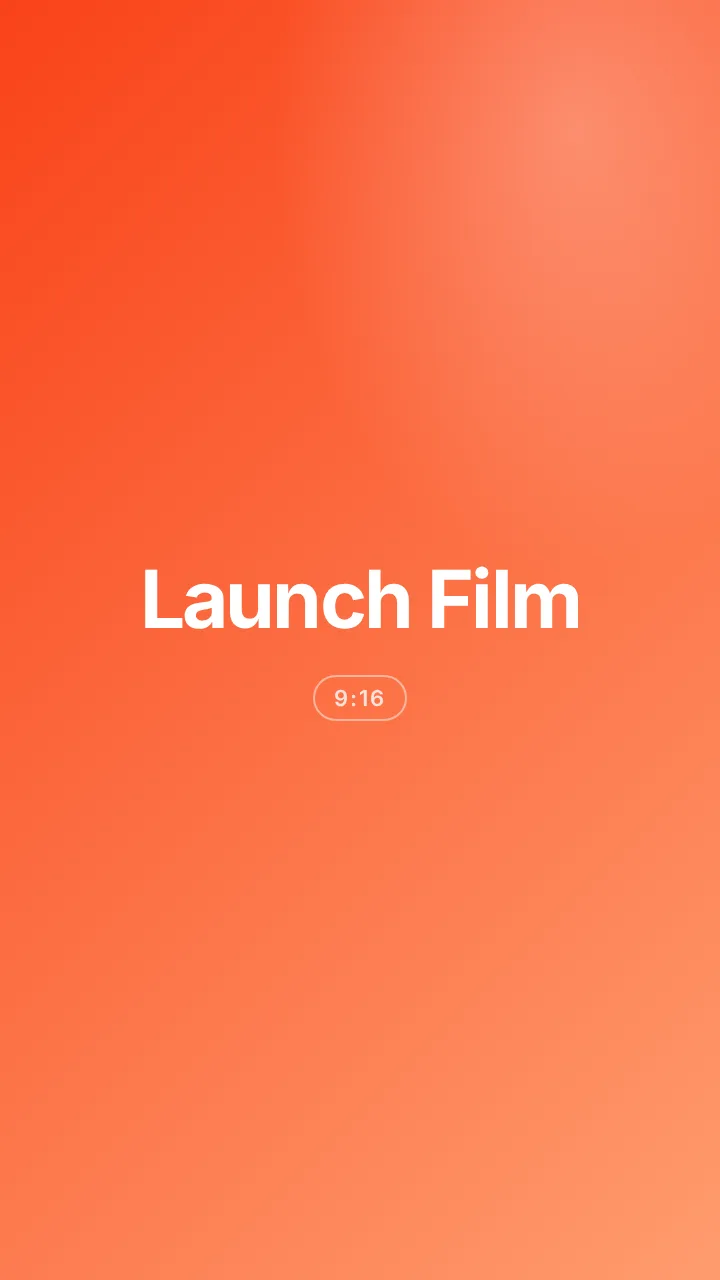
On TikTok, Reels and Shorts, the app draws buttons and captions over your video. Keep the important text in the middle area, inside the dashed frame, so it stays readable.
- Do keep titles, faces and calls to action inside the dashed safe zone.
- Do check the vertical cut on TikTok, Reels and Shorts before you post.
- Don't put text in the top or bottom strip where the app draws its controls and captions.
Costs and requirements
Skills run on your computer, so a few everyday tools need to be there first. Run npx skillnai doctor to check your setup.
Node
RequiredThe engine that runs skill scripts. You need version 20 or newer.
FFmpeg
RequiredThe tool that turns clips and audio into a finished video file.
Chrome
RequiredA browser the skill can run invisibly to draw frames.
FAL_KEY
OptionalOptional key for generated images, b-roll and music from FAL.
What it costs
Free skills cost $0. Pro is $7.99 a month or $59 a year for every Pro skill, the remote MCP server and updates. Founder Lifetime is $129 one-time. Every paid plan has a 7-day refund.
Rendering happens on your machine, so there is no per-render fee. Optional FAL jobs are billed by FAL.
Free
$0
Free skills, no account.
Pro
$7.99
A month, or $59 a year.
Founder
$129
One-time lifetime.
Troubleshooting
Most problems have a simple fix. Start with the first one that matches.
My agent says it can't find the skill
Restart the agent, then check the folder listed above for your agent. Run npx skillnai doctor <slug> to confirm the expected install path.
FFmpeg not found
FFmpeg is required to write video files. Install it, then run npx skillnai doctor to confirm your setup sees it.
The video text is cut off on TikTok
The app draws buttons and captions over the video. Keep text inside the dashed safe zone, especially in the middle area, and preview the 9:16 version before you post.
It asks me to sign in
Pro skills need a browser sign-in on first install. Free skills need no account. Sign in only in your browser, never in the chat.
Nothing happens when I paste the prompt
Press Enter after pasting. Make sure you pasted into the agent chat, not another window. If the chat seems stuck, restart the agent.
Node or Chrome is missing
Install Node 20 or newer and Chrome, then restart the agent. Run npx skillnai doctor to check what is found.
Questions, answered
What is a skill?
A skill is a folder of instructions, templates and scripts your AI coding agent reads. You describe the result, and the agent does the work on your own computer.
Do I need to know how to code?
No. If you can copy and paste a prompt into an agent, you can install and run a skill. The agent handles the files and commands.
Do free skills need an account?
No. Free skills cost $0 and install without signing in. You only need an account for Pro.
Where does rendering happen?
On your machine, with your own Node, FFmpeg and Chrome. Nothing renders on our servers, so there is no per-render fee. Optional FAL jobs use your own key and are billed by FAL.
Can one skill make both 16:9 and 9:16?
Many can. Skills that list both 16:9 and 9:16 lay out each frame separately from one plan, so nothing is cropped. Each skill page lists its formats. Check the vertical cut against TikTok, Reels and Shorts safe zones before you post.
From the blog
All postsInstall your first skill in 3 steps
Install a free Skillnai skill in three steps. Copy a prompt into your agent, paste it, run a test, and use the CLI or doctor check if something fails.
Read the postWhat is an AI agent skill?
An AI agent skill gives Claude Code, Cursor, Codex, Gemini CLI or OpenCode a repeatable workflow. See what skills make, how they run and what costs.
Read the postVertical video safe zones, explained
TikTok, Reels and Shorts place buttons and captions over your video. Learn where to keep text, how to use safe zones and why the 9:16 preview helps.
Read the postFor developers: CLI and MCP reference
CLI commands
Run commands with npx skillnai <command>. The CLI never requests or prints credentials.
| Command | What it does | Login |
|---|---|---|
npx skillnai add <slug> --agent <agent> | Install a skill into the chosen agent's skills directory. | Free skills: no login. Pro: browser sign-in on first install. |
npx skillnai login | Open browser sign-in and store a local Pro session. | Pro only |
npx skillnai logout | Remove the local session. Installed skills stay. | None |
npx skillnai status | Show tier, session state and installed skill count. | Never prints tokens |
npx skillnai doctor <slug> | Check Node, FFmpeg, Chrome, permissions and the expected install path. | None |
npx skillnai update [slug] | Update one skill or all installed skills. | Pro updates need sign-in |
npx skillnai list [query] | List skills, filtered by an optional text query. | None |
npx skillnai search <query> | Search the library by name, scenario, output or format. | None |
npx skillnai mcp-config --agent <agent> | Print the MCP configuration for the selected agent. | None |
npx skillnai remove <slug> | Uninstall a skill from its agent directory. | None |
MCP tools
- No login
search_skillsFind skills by output, format, scenario, agent or tier.
- No login
get_skillReturn metadata, install steps, dependencies and SKILL.md content.
- No login
list_formatsList aspect ratios and platform presets for a skill.
- No login
check_envCheck for Node, FFmpeg and Chrome without printing secrets.
- OAuth for Pro skills
install_skillInstall a skill for the current agent and check the target directory.
- OAuth for account details
whoamiShow tier and session status. Never returns credentials.
Terms and privacy
The full terms and privacy policy are being finalised. Skillnai never asks for passwords, rendering happens on your machine, and you can email contact@skillnai.com with any questions.